



Slotuna App
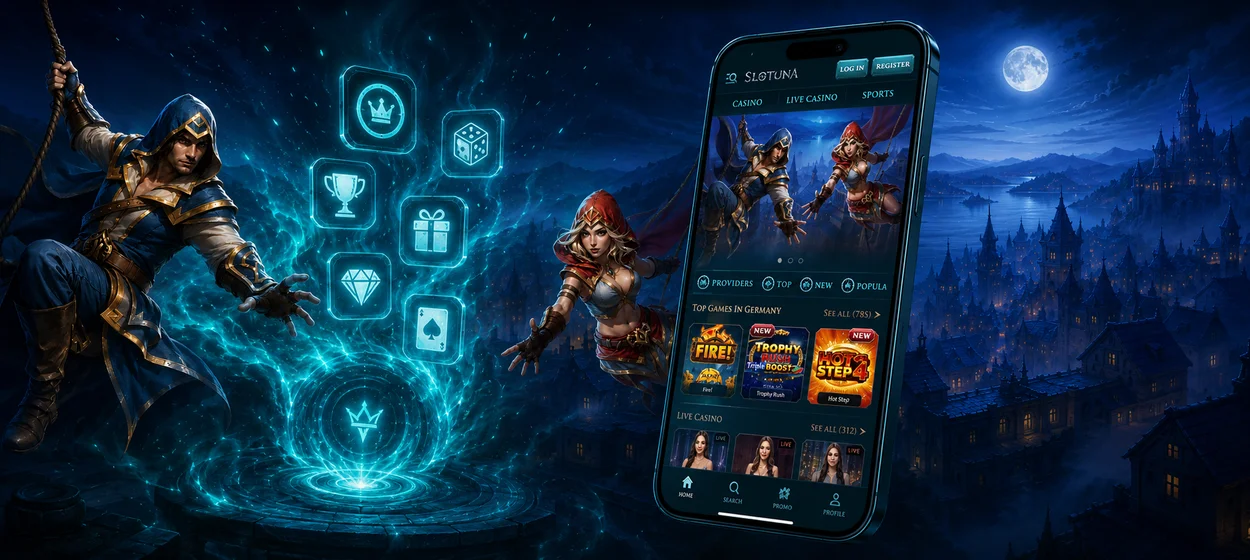
Your favorite casino games and sports are always within easy reach on mobile. The Slotuna app gives players fast access from a home-screen shortcut, so there is no need to search for the site or install a separate native app. You can open our casino in a few taps. Just sign in and continue with your account and gameplay wherever you are.



What Are the Benefits of Playing on Mobile?
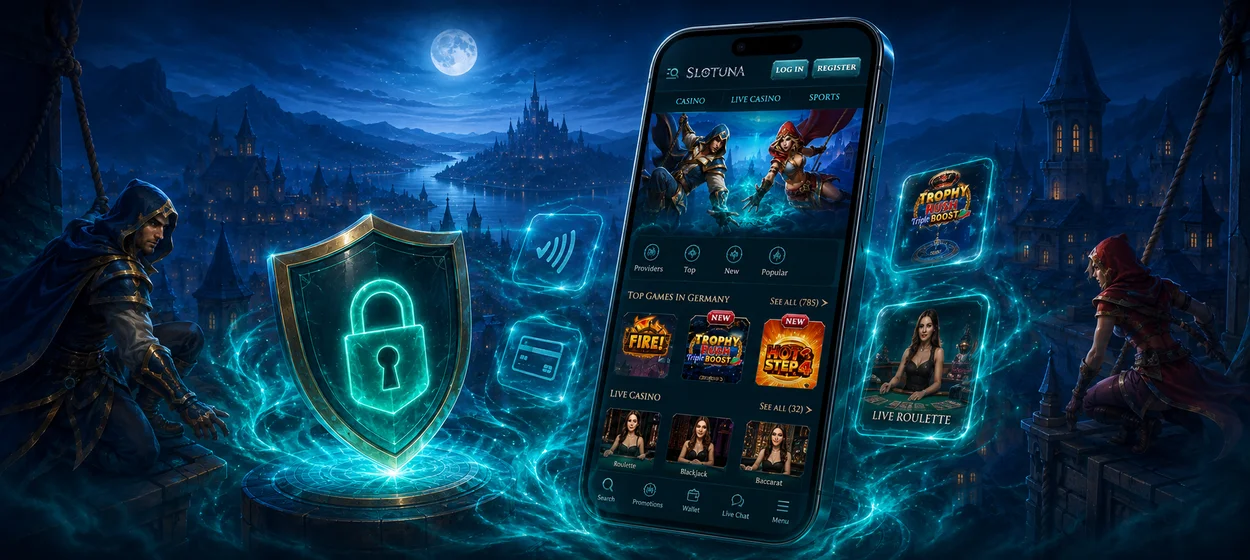
The mobile version brings Slotuna casino and sportsbook features to smartphones and tablets through a responsive browser interface. Gamers can save a shortcut to their home screen and return without installing a separate native app.
Mobile is ideal for quick sessions and playing away from a computer, but desktop remains king for detailed live tables and wider sportsbook markets.
| Technical Component | How It Works | Benefit for Players |
| Optimized mobile resources | Mobile pages use streamlined scripts and compressed visual elements to reduce unnecessary load. | Pages open faster and require less mobile data. |
| Flexible screen scaling | The interface rearranges menus and controls according to the size and orientation of the display. | Slotuna remains comfortable to use on both smartphones and tablets. |
| Automatic web updates | Changes to the platform become available through the browser without a separate installation process. | Users do not need to download patches or update an app manually. |
| Home-screen shortcut | Slotuna can be saved to the device’s home screen and opened directly from its own shortcut. | Customers reach the casino faster without searching for the website each time. |
| Cross-device account access | The same account can be opened on mobile, tablet and PC with the player’s existing login details. | Users can switch devices and continue using the same balance and account features. |
The casino experience is available wherever there is an internet connection.
How Does the Slotuna App Work on Android?
Android users can access the full Slotuna mobile experience without installing a separate APK or using extra storage for a native casino app. The responsive interface adjusts to different Android screen sizes, so the platform remains practical on both smartphones and tablets.
Players can sign in with the same account they use on desktop, so their balance and account settings remain available when they switch devices. Android users can also save the platform as a home-screen shortcut for faster access whenever they want to return.
Slotuna on iPhone and iPad
Our platform turns Safari into a practical casino access point for iPhone and iPad users. Instead of searching for the site every time, players can place a dedicated shortcut on the Home Screen and open the platform almost like a regular app. The mobile layout keeps controls easy to tap and gives quick access to casino play and the personal account. Since everything runs through the browser, there is no App Store download and no separate update process.
- Open the Slotuna website in Safari.
- Tap the Share icon at the bottom of the browser.
- Scroll through the available actions and select Add to Home Screen.
- Check the shortcut name and tap Add.
- Open Slotuna later by tapping the new icon on your iPhone or iPad Home Screen.
The shortcut gives players quicker access without using significant device storage. Updates are handled through the web version, so there is no need to download new Slotuna app releases manually.
Slotuna App on Windows and macOS
Desktop play is a strong choice for users who want more information visible at once and tighter control over navigation. Windows and macOS users can turn the browser version of Slotuna into a more app-like desktop experience by creating a dedicated shortcut. In supported browsers, the casino can be saved to the desktop, Start menu, taskbar, or macOS Dock, depending on the browser and operating system.
A larger screen makes it easier to compare sportsbook markets and browse several casino categories without constantly switching views. Mouse and keyboard controls also make search and navigation more precise during longer sessions.

Which Devices Are Compatible with Slotuna?
Slotuna is available on smartphones and desktop computers, and there is no need to install a separate version of the platform for each device. The game lobby and betting interface are optimized for any screen size, so you always have intuitive controls no matter what device you’re playing on. Players can view what kind of devices are supported by the platform and what each format offers before they select a way to access it.
- Android smartphones — browser-based access with support for a Home Screen shortcut.
- Android tablets — larger touch layout with more space for game categories and betting markets.
- iPhone — mobile access through Safari with the option to add Slotuna to the Home Screen.
- iPad — tablet-friendly layout that combines touch controls with a wider viewing area.
- Windows PCs and laptops — full browser access with support for desktop or taskbar shortcuts, depending on the browser.
- macOS devices — Slotuna can be accessed through a desktop browser and kept within quick reach via browser or Dock shortcuts.
Players can choose the format that matches their location and preferred type of play.
FAQ
Can I Make Deposits and Withdrawals from Slotuna on Mobile?
Yes. After signing in, players can open the wallet on a smartphone or tablet and use the payment options available for their account and location. Withdrawal requests still require standard verification checks before processing.
Can I Use Slotuna App Live Betting from a Smartphone?
Mobile users can also keep up with live betting in the sportsbook and place bets as the action unfolds. The betting interface shows the odds and markets right there.
Can I Contact Slotuna Support from a Mobile Device?
Players can contact the support service without switching to a computer. Live chat is available 24/7 and can be useful for questions about payments or current promotions while you use the Slotuna app on your phone or tablet.


